Key Features
iCapture v3 provides a shared data-capture foundation for DHIS2 implementations, with a clear path for each project to add its own requirements.
Standard DHIS2 data capture
iCapture v3 core supports the standard DHIS2 data-capture models:
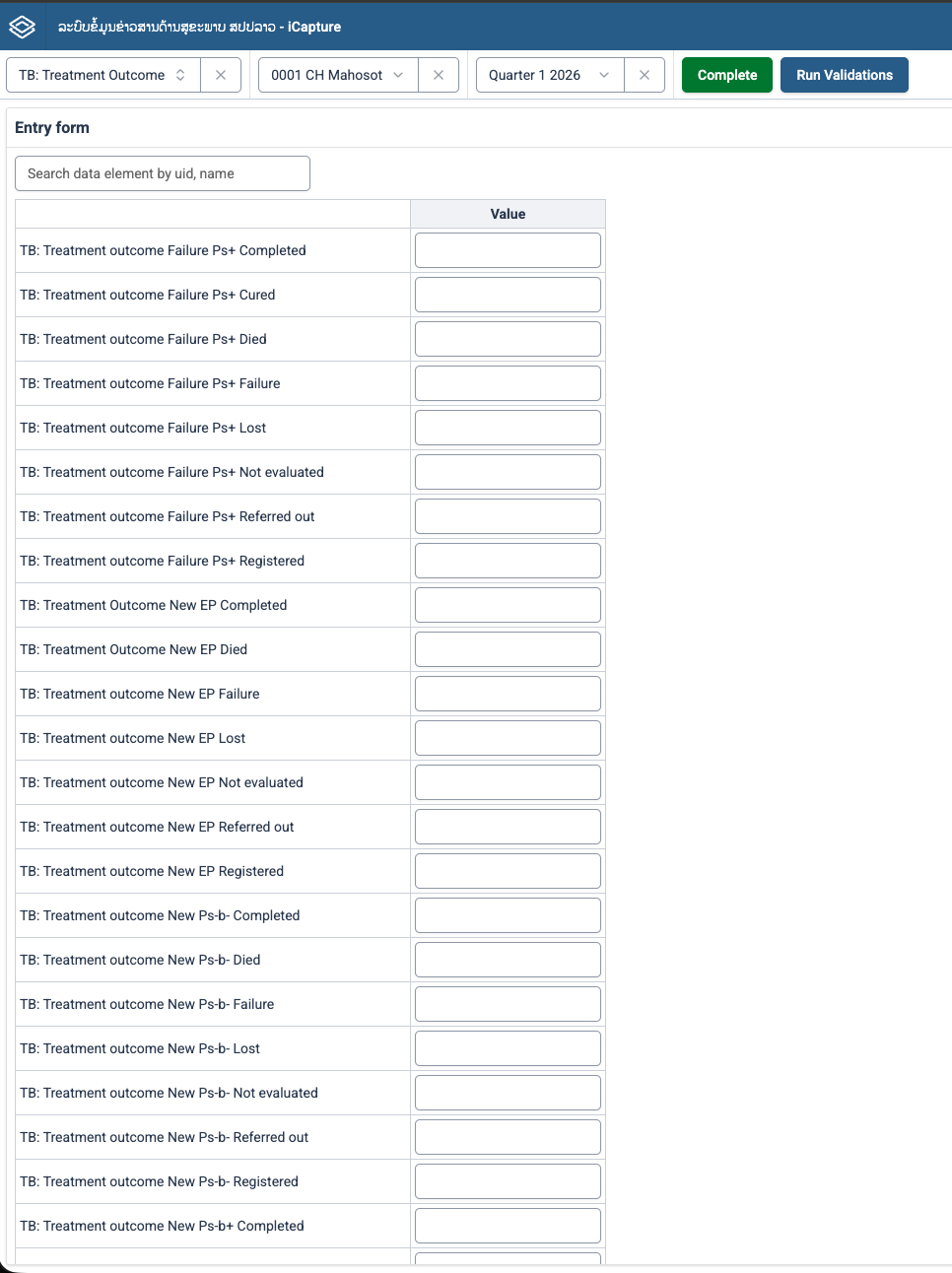
Aggregate datasets
Aggregate forms collect values for a dataset, organisation unit, reporting period, and category context. Core features include:
- Metadata-driven inputs and option sets for supported value types.
- Reporting periods including daily, weekly, monthly, quarterly, six-monthly, yearly, and supported financial periods.
- Automatic saving of individual data values through the shared aggregate input.
- Dataset completion and incompletion.
- Dataset validation checks configured in DHIS2.
- Data value audit/history, comments, and minimum/maximum value settings.
- Default, section, and DHIS2 HTML form layouts.
Event programs
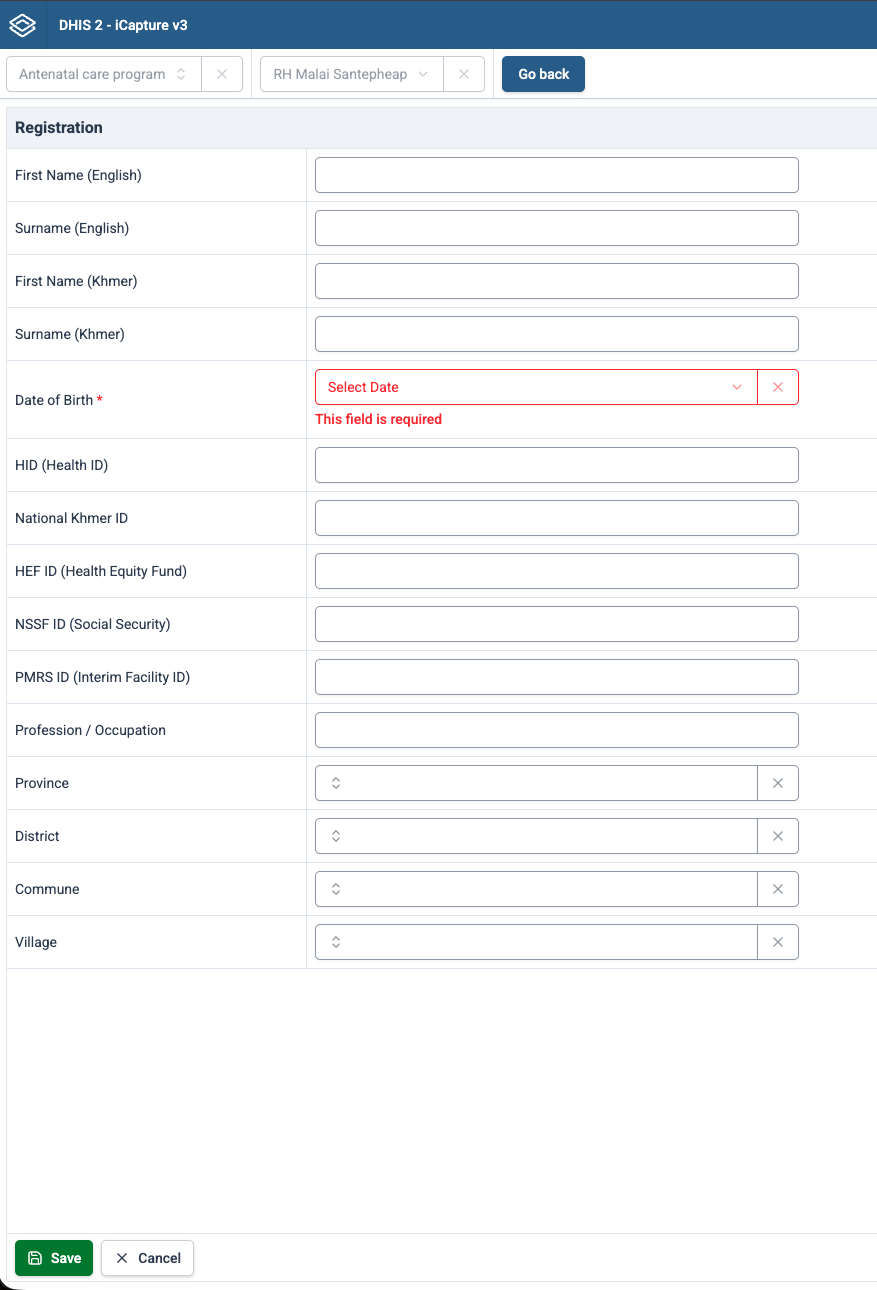
Event programs collect individual events without a tracked entity profile or enrollment. Core features include:
- An event list for the selected program and organisation unit, with filters and configurable list columns.
- Creating and editing events using the program's stage data elements.
- Event dates, required fields, and metadata-driven inputs for supported value types and option sets.
- Default and section layouts based on program stage metadata, plus custom extension forms.
- Supported DHIS2 program rules and validation feedback, including hidden and disabled fields.
- Saving events, marking them complete or incomplete, and deleting events where permitted.
- Point location capture when the program stage is configured for it.
Event data is identified by its event and date. For programs configured with a reporting period, core also uses the selected period to constrain the event date; reporting periods are not required for every event program.
Tracker programs
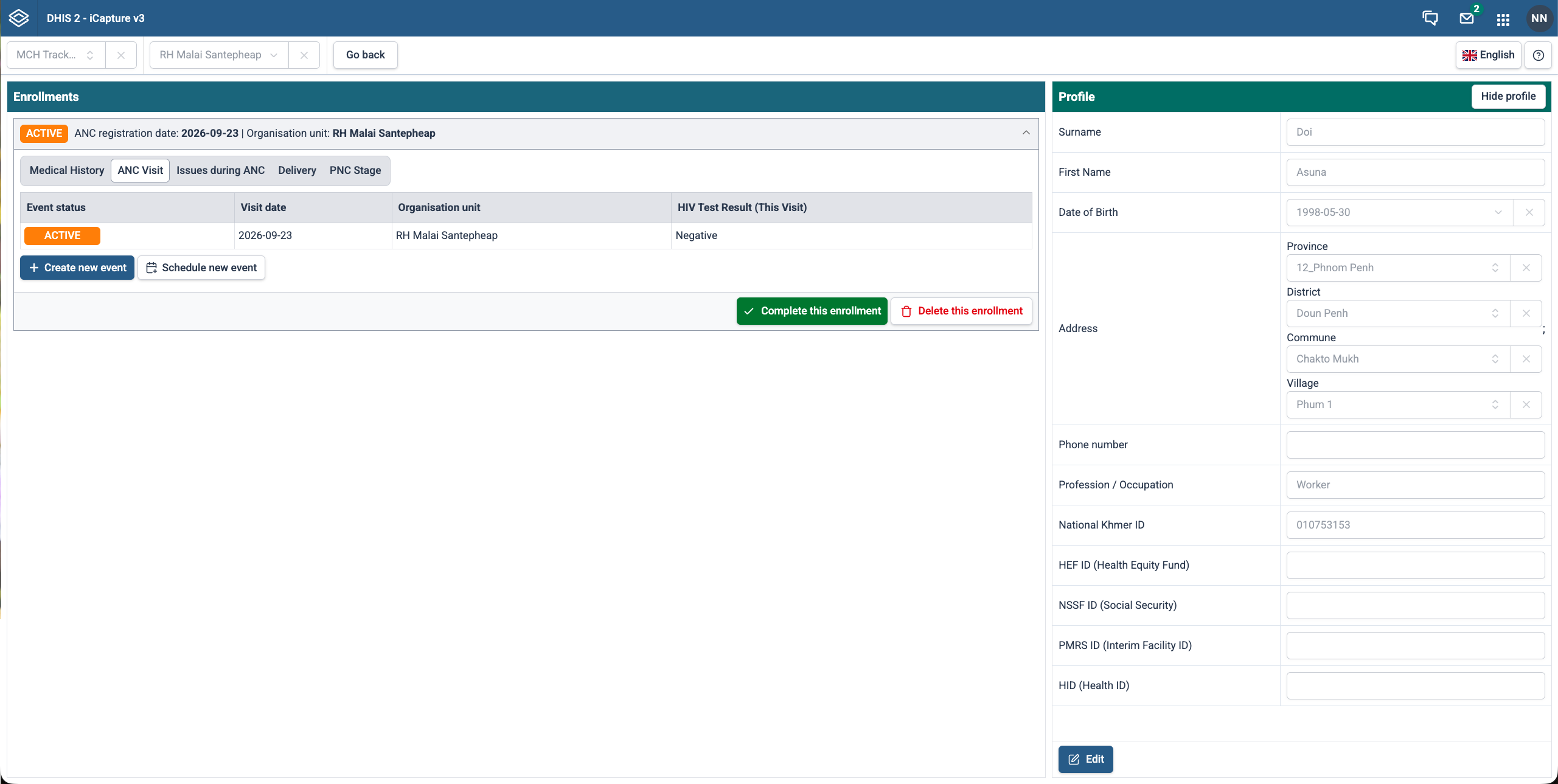
Tracker programs follow a person or other tracked entity through enrollment and program stage events. Core features include:
- Searching for and registering tracked entities using program attributes.
- A client profile that displays and edits tracked entity attributes.
- Enrollment registration, enrollment dates, and incident dates where configured.
- A dashboard containing enrollments and events grouped by program stage.
- Creating, editing, and scheduling stage events, with separate handling for repeatable and non-repeatable stages.
- Event completion/incompletion, and enrollment completion/reopening and deletion where permitted.
- Supported program rules, required fields, and validation feedback for profiles and stage events.
- Default, section, and DHIS2 HTML layouts for profiles and stage forms, plus custom extension forms.
Tracker data belongs to a tracked entity, enrollment, program stage, and event. Stage events use their own dates; they do not use the aggregate dataset reporting-period model.
Available actions depend on DHIS2 permissions, metadata, workflow status, and extension settings. See Component Catalog for supported event/tracker input types and their limitations.
The core application is intended to work with DHIS2 instances version 2.40 and later, without carrying project-specific configuration or extensions.
Project-specific extensions
Each implementation can create a project extension by forking the iCapture v3 core. The extension can add the functionality required by local workflows, including:
- Custom dataset, event, and tracker forms.
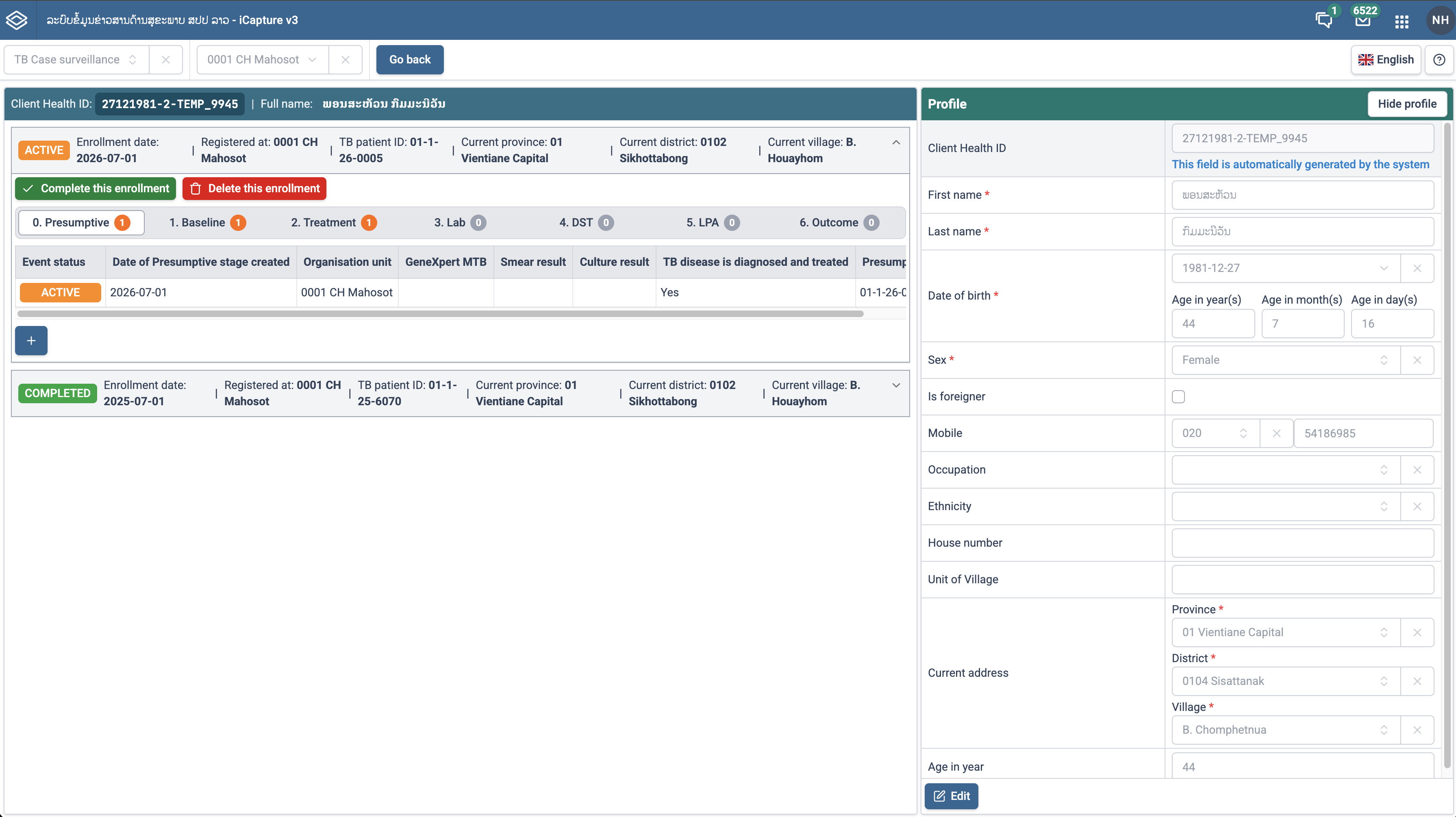
- Project-specific workflows and validation behaviour.
- Reporting or supporting tools, such as dataset-report download and event-completeness features.
- Navigation, routing, configuration, branding, and localisation.
This model lets teams retain a reusable foundation while keeping local requirements, configuration, and release decisions within the project.
Release management and rollback
iCapture v3 uses semantic versioning in the format major.minor.patch. Releases are intended to include changelogs so teams can identify new features and bug fixes in a deployed version.
If a release has an issue, the project can restore a previous stable version rather than waiting to repair the current deployment.
Collaboration-ready structure
The core and each project extension have separate repositories and version histories. This supports a clearer division of responsibility:
- HISP Vietnam–Mekong maintains and supports the reusable core.
- Country teams and implementing partners can own and maintain their project extension.
- Project-specific code and configuration remain separate from other implementations.
Localisation and user experience
iCapture v3 is designed to support localisation and to improve application performance and user experience compared with earlier iCapture versions. The exact languages, performance targets, and user-interface patterns are defined by each implementation.
Roadmap
The product direction includes improved performance and user experience, localisation support, and continued collaboration across implementations. Progressive Web App (PWA) offline capability and expanded mobile-device support are planned; they are not described as current standard functionality in this documentation.